
Roblox is one of the most-watched games on YouTube, and you don't need expensive gear to join in. A free screen recorder, a free editor and a clear idea of what your channel is about will take you further than a new microphone.
This guide walks through the whole process: choosing a niche, recording clean gameplay, editing for retention, adding a voiceover (your own or an AI one), and the YouTube rules that decide whether your channel can earn money.
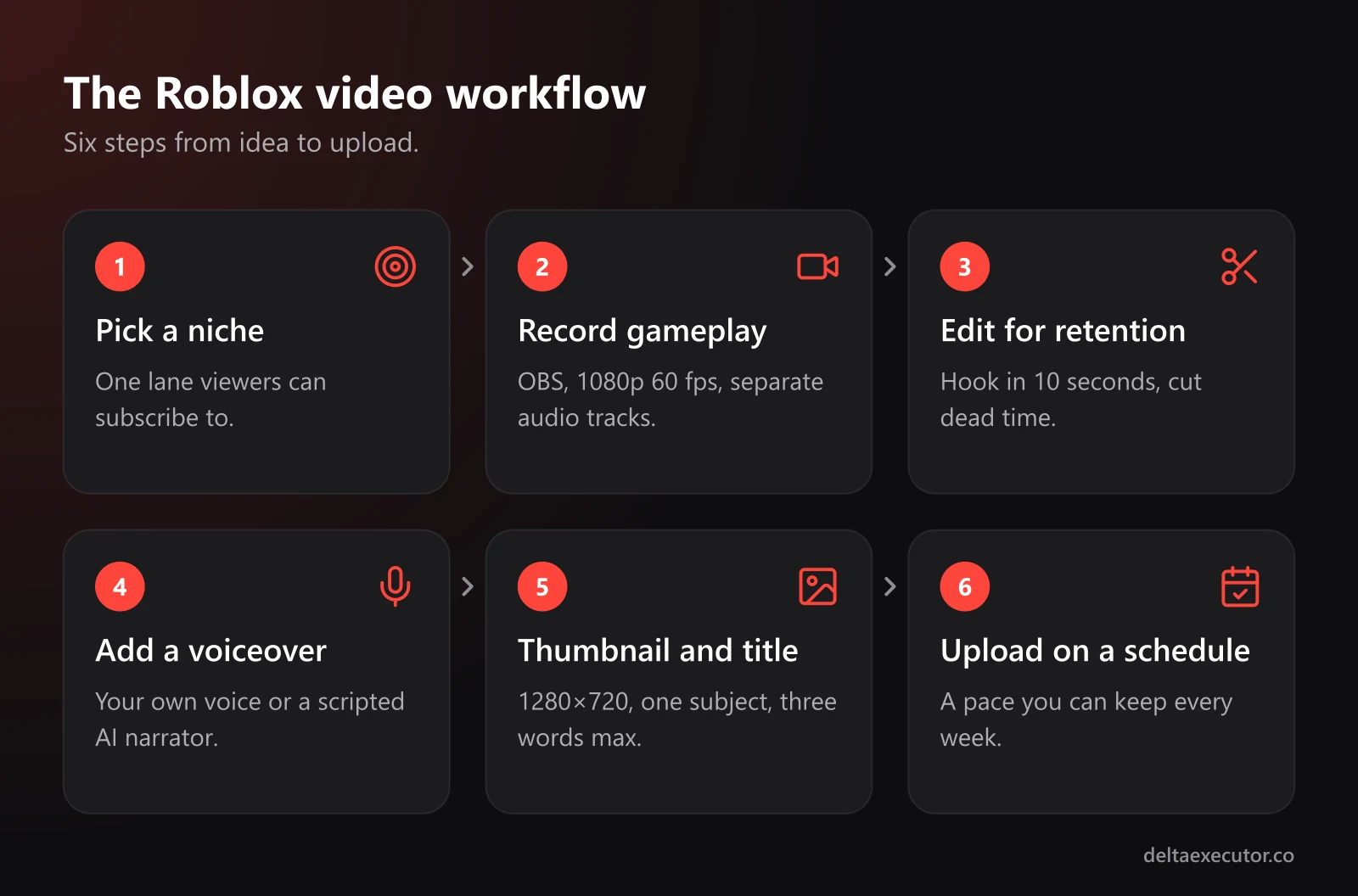
Pick a Niche Before You Hit Record
Channels that post "whatever I played today" rarely grow. Pick one lane so viewers know what they'll get when they subscribe.
| Niche | What the videos look like | Why it works |
|---|---|---|
| Game guides | "How to beat every stage," "best upgrades for beginners" | People search for these every day |
| Update news | What changed in a popular game's latest update | Timely, and fans watch every update |
| Tier lists and rankings | Ranking pets, weapons, games or characters | Viewers love to argue in the comments |
| Horror playthroughs | Story-driven runs of horror experiences | Works with or without a facecam |
| Challenges | "Beating the game with only the starter sword" | Easy to turn into a series |
| Game dev logs | Building your own Roblox game, step by step | Few competitors and loyal viewers |
If you're building your own game, a dev log does two jobs at once: it grows your channel and it advertises your game. Our guide on promoting your Roblox game covers the game side of that.
The Gear You Actually Need
| What | Free option | Worth upgrading later |
|---|---|---|
| Screen recorder (PC) | OBS Studio | Nothing; OBS is the standard |
| Screen recorder (mobile) | Built-in screen recording on iOS and Android | An external recorder or capture setup |
| Microphone | A headset mic | A USB microphone |
| Editor | DaVinci Resolve or CapCut | Only if you outgrow them |
| Thumbnail editor | Canva or Photopea | Photoshop |
A quiet room matters more than an expensive mic. Soft furniture, curtains and a closed door will improve your audio more than any upgrade under $100.
Recording Clean Roblox Gameplay
A few OBS settings make a big difference:
- Add a Game Capture source (or Window Capture if it shows a black screen) and select the Roblox window
- Record at 1920×1080 and 60 fps if your PC can handle it. On a weaker PC, lower Roblox's graphics quality first; smooth 720p looks better than choppy 1080p.
- Put game audio and your mic on separate tracks in OBS's advanced output settings, so you can fix volume in editing
- Turn the in-game music down or off. Some games use music that triggers copyright claims on YouTube, and a claim can send your ad revenue to someone else.
- Record more than you need. Editing 30 minutes down to 8 is how videos stay interesting.
Editing for Retention
YouTube recommends videos that people keep watching. The editing habits that help most:
- Hook in the first 10 seconds. Show the payoff (the boss, the rare drop, the final ranking) before you explain anything.
- Cut dead time. Walking, loading screens and menus can almost always go.
- Add captions. Many viewers watch muted, especially on Shorts.
- Use zooms and text sparingly to highlight the moment that matters, not every moment.
- End with an end screen that points to your next video instead of a long goodbye.
Adding a Voiceover
Commentary turns gameplay into a video. You have two options, and many channels mix both.
Your Own Voice
Your voice is your channel's personality, and it's the hardest thing for anyone to copy. Record narration after editing, line by line, so you can redo mistakes without restarting. If you're nervous, write a script first and read it naturally, not word for word.
An AI Voiceover
If you don't want to use your own voice, or you're making faceless videos like story recaps and tier lists, AI text to speech is the practical option. One tool built for this is AnySpeech, an AI text to speech generator aimed at YouTubers and creators. It offers 100+ voices across 50+ languages, from deep cinematic narrators that suit horror recaps to high-energy voices made for Shorts, and you download the result as MP3 to drop into your editor.
A few details worth knowing before you start:
- The free plan gives a one-time 5,000 credits and up to 5,000 characters per request. That's roughly 800 words of script, or about five minutes of narration at a normal pace.
- Commercial use is listed as a feature of the paid plans. A monetized channel counts as commercial use, so pick a plan that covers it.
- Its terms don't allow you to claim the audio was made without AI. Be upfront; a line in your video description is enough.
- You must be at least 13 to use the service under its terms.
The same site also has speech-to-text tools, which help when you want captions for commentary you recorded yourself.
Writing a Script for AI Narration
AI voices read exactly what you write, so the script does all the work:
- Write like people talk. Short sentences, contractions, and no words you'd never say out loud.
- Use punctuation for pacing. Commas and full stops create pauses; a new paragraph creates a longer one.
- Test game terms. If a voice mispronounces a pet or game name, spell it the way it sounds.
- Match the voice to the format.
| Video type | Voice style | Example line |
|---|---|---|
| Horror recap | Deep, slow, cinematic | "Nobody who entered the hospital after midnight ever came back out." |
| Tier list | Upbeat and conversational | "Let's be honest. This pet looks cool, but it's a C tier at best." |
| Update news | Clear, news-style | "Today's update adds two new worlds and a reworked trading system." |
| Shorts | Fast and energetic | "This one secret door saves you twenty minutes. Here's where it is." |
Make AI Narration Count
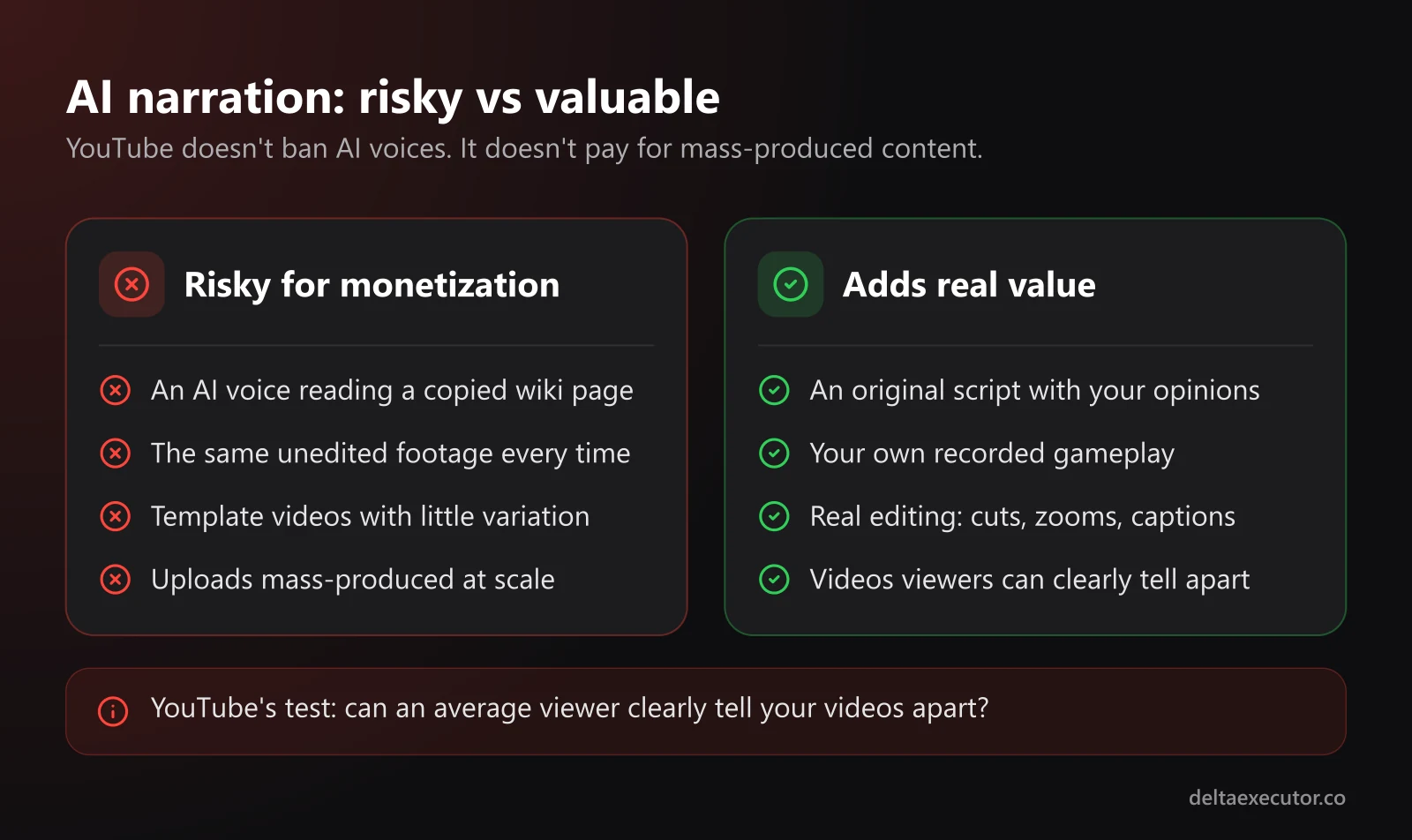
YouTube doesn't ban AI voices, but it doesn't pay for low-effort content either. Its monetization rules exclude inauthentic content: videos that are mass-produced or repetitive, look made from a template with little variation, or could easily be copied at scale. YouTube's own test is whether an average viewer can clearly tell your videos apart.
In practice, an AI voice reading a copied wiki page over the same unedited footage is a risk. An original script, your own gameplay, real editing and your own opinions make the same AI voice perfectly fine.
Thumbnails and Titles
Your thumbnail and title decide whether anyone clicks:
- Thumbnail size: 1280×720 pixels (16:9)
- One clear subject: a character, a boss or a reaction, big enough to read on a phone
- Three words or fewer of text on the thumbnail
- Titles that promise something specific: "I Beat Every Stage Without Jumping" beats "Playing Obby Part 4"
If you design thumbnail art yourself, the tips in our guide to making custom Roblox images apply here too.
YouTube Rules Every Roblox Creator Should Know
Age. You need to be at least 13 to have a YouTube account in most countries. Younger creators need a parent or guardian involved.
Made for Kids. YouTube requires you to say whether each video is made for kids. Content aimed mainly at children must be marked, which turns off comments and personalized ads on that video. Roblox gameplay isn't automatically "made for kids," so judge each video by its actual audience.
Copyright. Copyrighted songs, whether from your editor's library or playing in a game, can trigger claims. Use royalty-free music or tracks you own.
Synthetic content. YouTube asks creators to disclose realistic altered or synthetic content, such as making a real person appear to say something they never said. A generic AI narrator over gameplay is different from cloning a real YouTuber's voice; never do the latter.
Monetization thresholds. At the time of writing, the YouTube Partner Program has two entry points. Fan funding features unlock at 500 subscribers plus 3,000 public watch hours in 12 months or 3 million Shorts views in 90 days. Ad revenue sharing needs 1,000 subscribers plus 4,000 watch hours in 12 months or 10 million Shorts views in 90 days. YouTube changes these from time to time, so confirm them in the YouTube Help Center.
Frequently Asked Questions
Can I make money with an AI voice channel?
Yes, if the videos have real value. YouTube's rules target mass-produced, repetitive content, not AI tools themselves. Original scripts, your own gameplay and genuine editing keep a channel eligible.
Should I show my face?
You don't have to. Many successful Roblox channels never use a facecam. A distinctive voice, a consistent thumbnail style and good editing matter more.
My PC is slow. Can I still record?
Yes. Lower Roblox's graphics quality, record at 720p, and close other programs while recording. Smooth footage at a lower resolution looks better than stuttering 1080p.
How often should I upload?
Pick a pace you can keep, such as one video a week. A steady schedule does more for growth than a burst of uploads followed by a month of silence.
Can I use music that plays inside a Roblox game?
It's risky. Some in-game music is copyrighted and can trigger a claim. Lower the game's music volume while recording and add royalty-free music in editing instead.
The Bottom Line
Starting a Roblox channel costs almost nothing. Pick a niche, record clean footage with free tools, edit hard, and add a voice, whether yours or a well-scripted AI one. Then keep showing up. Most channels that grow simply kept uploading after the ones that quit.
Making videos about your own game? See how to promote your Roblox game, add voice acting to your NPCs, and give it original music.